- Go to the Account of> Your e-mail address.
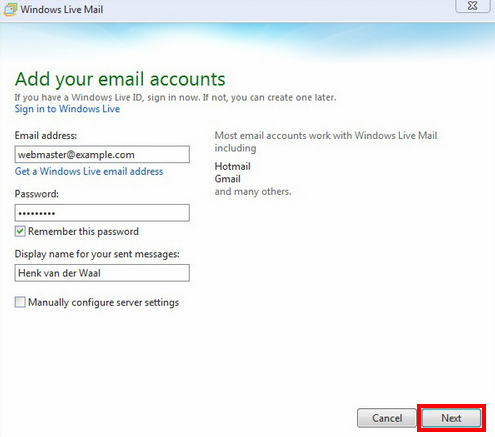
- Enter your name and password to your email account.
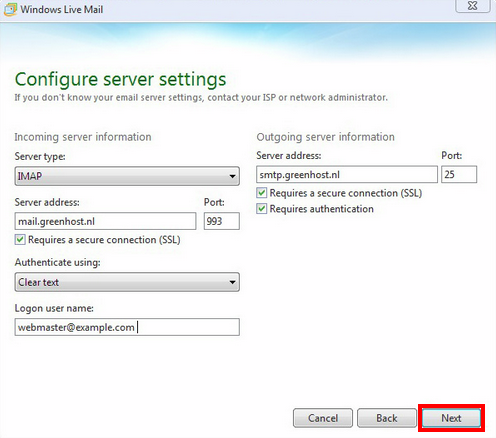
- Add the IMAP configuration ACCORDING to the example and click Next.
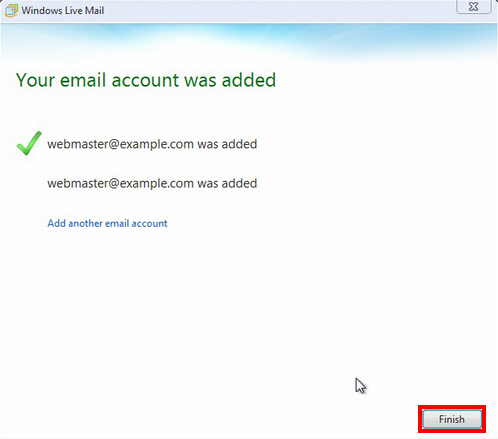
- You will see a confirmation of the added account.
- In Addition, you must configure authentication sent mail folders for the IMAP configuration.
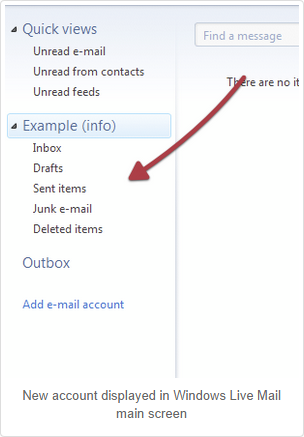
- Your e-mail account now Appears on the left-side of Windows Live Mail.